smart.fm going subscription

Most of you will have heard about this already, but smart.fm is transitioning to a subscription model.  I was always puzzled by how they managed to make any money at all; it seems they were too.

While I’m not as bitter about it as some people, it’s certainly a disappointment.  I hadn’t been using smart.fm at all lately, so that’s partly why I don’t much care; the other major factor is that I never contributed content.

That’s the must upsetting part about this, really.  For many people, the content that smart.fm is now going to charge to access represents a tremendous contribution of time and effort to the learning community.  Therefore, I would encourage everyone interested to download goals into Anki using the shared plugin.  Get everything you think you might ever need, and make shared decks out of whatever you find useful.  This content was made by the community for the community and it is a real shame to see it taken over in this fashion (regardless of what the user agreement stated – I’d imagine it stated that user contributed content belonged to smart.fm, although I haven’t checked – it’s the spirit of the thing that matters).

The smart.fm importing plugin is available from the shared plugins menu in your Anki install.  You can’t miss it, it’s the third most popular plugin.  Instructions on use are here.  smart.fm was supposed to have disabled their API a while back, but I just tested this yesterday and downloading goals still works.

all aboard the kindle bandwagon

Inspired largely by JapanNewbie’s post on the Kindle 3, I decided to get one for myself.  The 3G isn’t very useful where I live, since the web browser is limited to Wikipedia whilst on 3G when not in the US, so I got the basic wifi model.

UPDATE: it seems that this limitation is not correct, and the 3G does work for any site.  See Benny’s review on YouTube.

Amazon’s goal with the Kindle has been to make a device that doesn’t feel like a device; that is to say, a device for reading that, when you start reading, just disappears.  In this they have been very successful, at least as far as this customer is concerned.  Even though reading on an e-reader is still a novelty, once I’ve been reading for a very short while I stop thinking about “wow nifty gizmo” and get drawn into whatever I’m reading, just as with a paper book.  The device is extremely thin and light, and takes up about the same space in your hands as a normal smallish novel would, except for being a lot thinner.  The display is excellent.  Fonts are very crisp and clear – it surprised me to learn that the resolution was only 800×600.  Sometimes there is a little bit of glare if you’re working with a single light source at exactly the wrong angle, but this is seldom an issue.

Navigating through menus and within books with the five-way controller is fairly awkward, but that takes up only a small part of your time with the device so isn’t anything to worry about.  Likewise, highlighting passages and writing notes is somewhat a pain.  The web browser also suffers from having to use the five-way controller to maneuver around, but, again, the web browser is quite incidental.  The operating system is simple and intuitive; the problem is that controller.  However, without going to a touchscreen and adding dramatically to the cost, I’m not sure how they could have done much better.  It works; it’s fine.

Amazon doesn’t sell Japanese books for the Kindle, so you have to find your own.  Luckily, this is pretty simple (usually).  Various places around the web have free Japanese texts available for download, you can use Instapaper on Japanese websites, and of course there is the treasure trove that is Aozora Bunko.

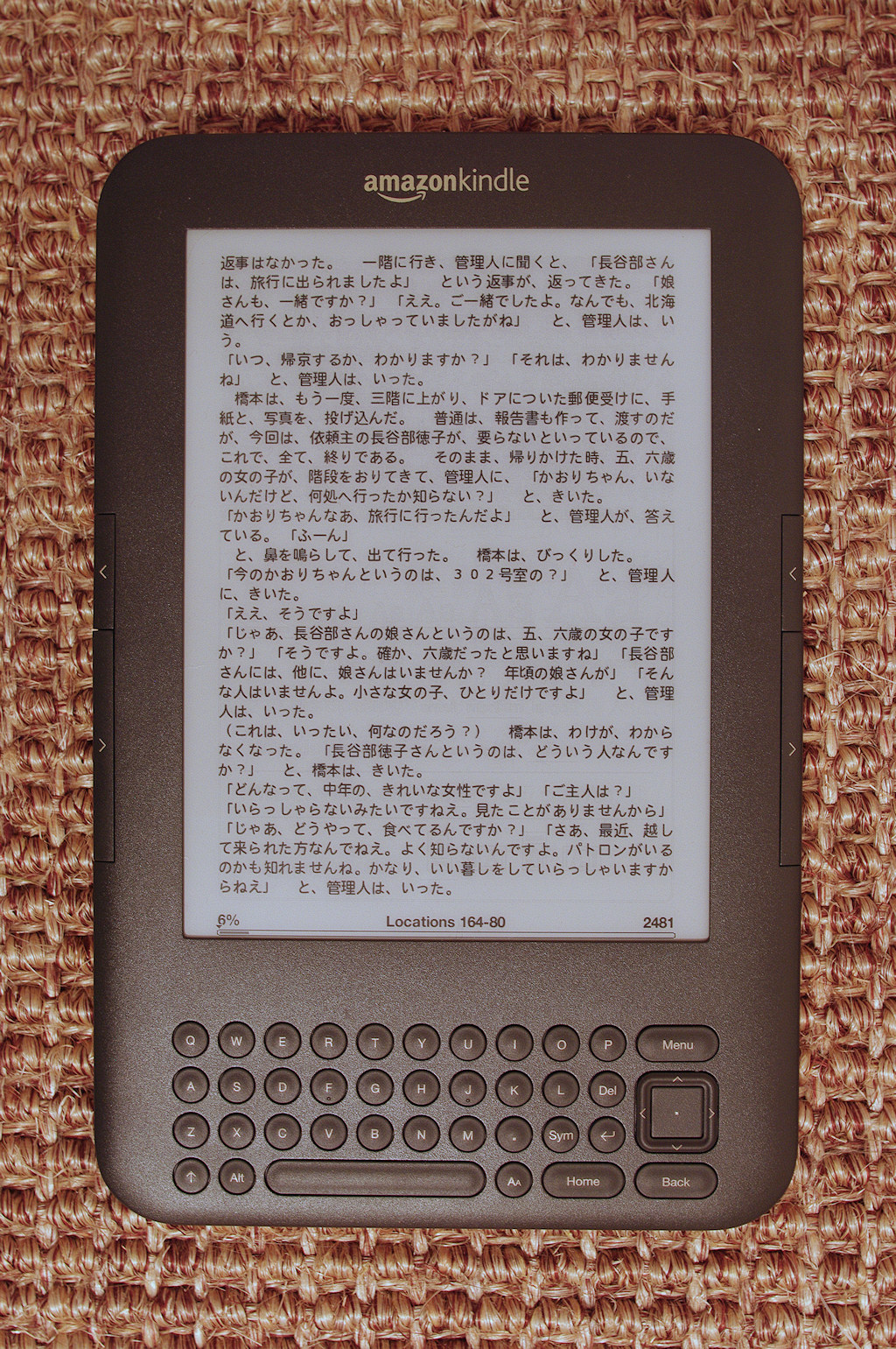
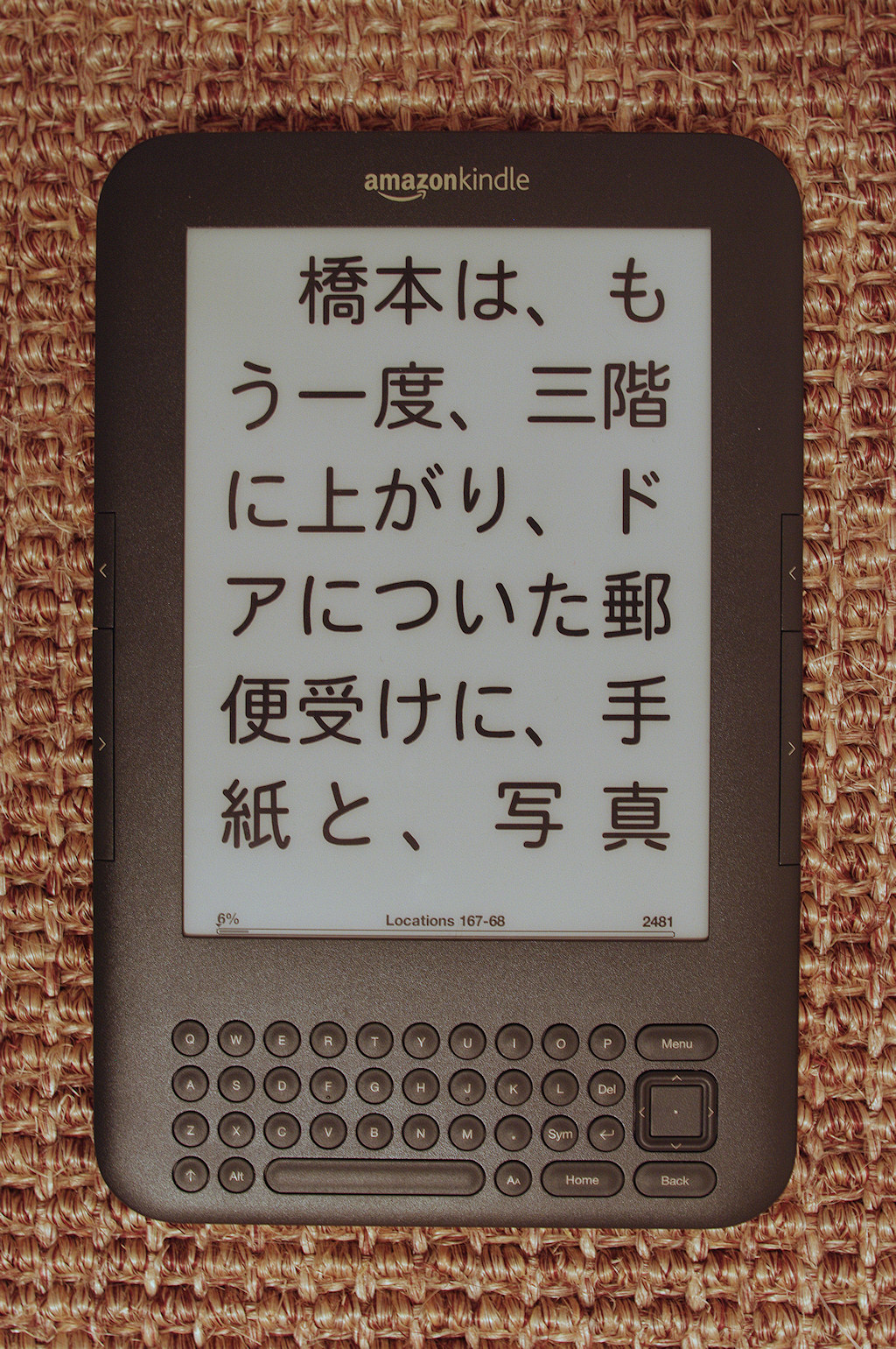
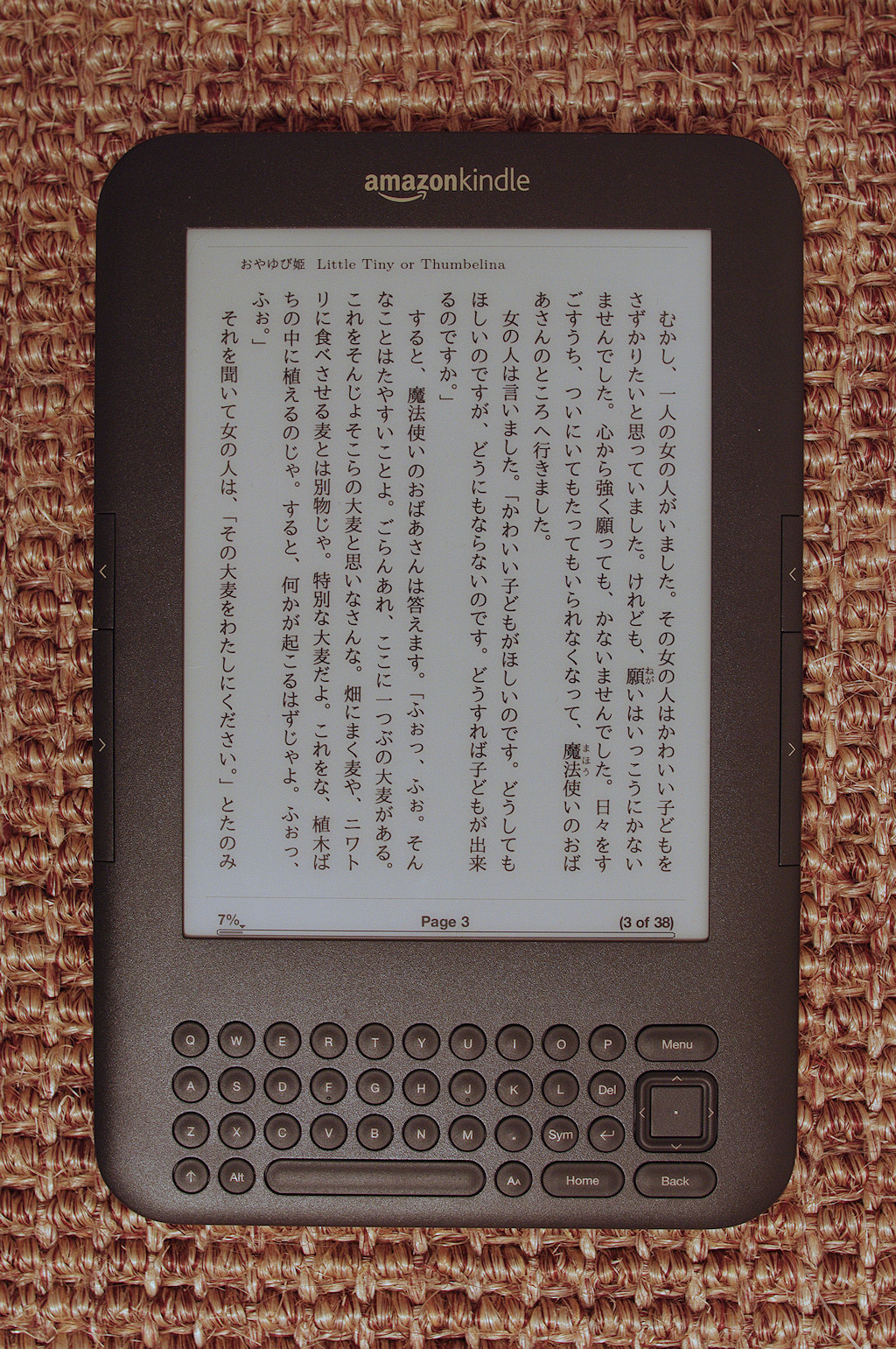
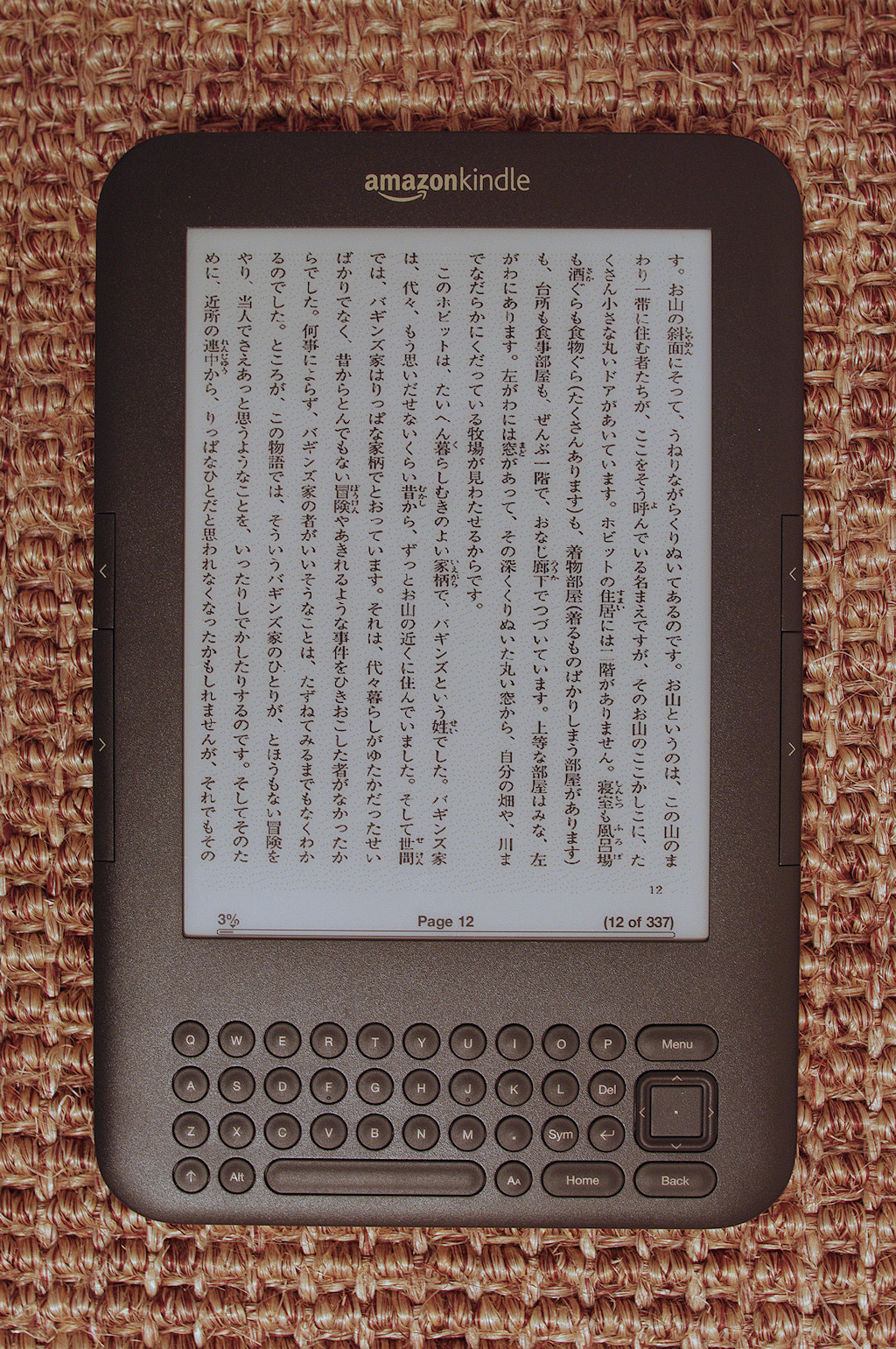
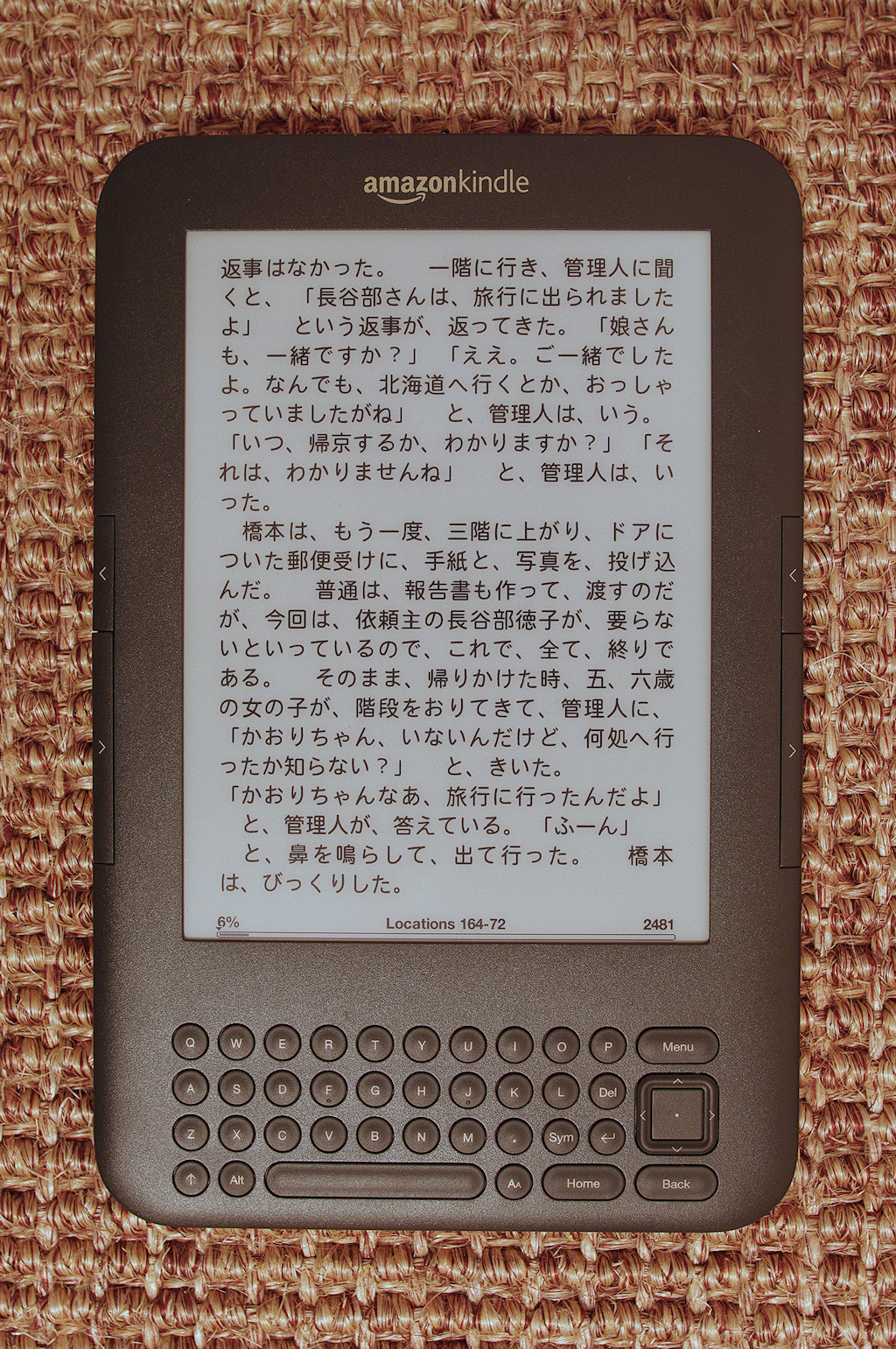
I took some photos of various text displays.  I didn’t have a proper copy stand or light tent, so they’re not the best pictures ever, but you should be able to get some idea.  Click for bigger versions.

Here is what a normal text file looks like on the Kindle, with the text size I’d usually use:

And with the smallest text:

And with absurdly large text:

You can put Aozora Bunko texts directly on the Kindle as well, but the best way is to use the online converter at A2K.  This is extremely simple (instructions here) and results in a file that displays perfectly.  Here’s a sample using the medium text size:

I haven’t tried using Mangle to put any manga on the Kindle yet, but I did try it with a book I happened across that was in a similar format, namely a collection of .png files.  This didn’t really work very well at all.  The text was very light and hard to read, and the pages were out of order – still don’t understand why, but the picture viewer on the Kindle is after all an undocumented experimental feature and one should perhaps not expect too much.  What did work though (thanks again to BlackDragonHunt for the suggestion), is taking Mangle’s output, packaging it into a .zip file, changing the extension to .cbz, and opening it in Calibre.  From there, you can output the resulting file into either a normal e-book format or a pdf, both of which work equally well.  The display will depend heavily on the scan quality, but here’s what I ended up with for this book:
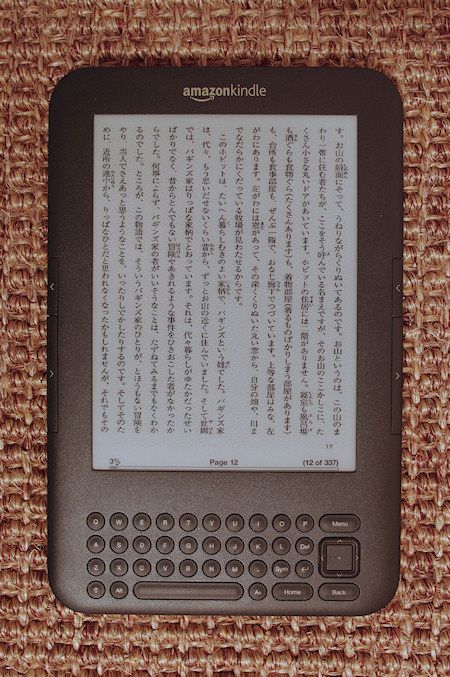
I bought the Kindle 3 mainly because of Aozora Bunko.  There are a tremendous quantity of texts there of precisely the sort of thing I am working towards reading.  Collecting hard copies of so many books would cost a fortune and take up a great deal of space; the Kindle cost less than $200, takes up no space at all to speak of, and (without any exaggeration at all) gives me access to years of reading.  In short, I would wholeheartedly recommend it to any learner of Japanese.

Addendum:

BlackDragonHunt has put up a very good post here with more details on getting various filetypes onto your e-reader.

toolset refinement

I was once amusingly characterized as mistaking the acquisition of learning tools for actual learning.  In fact, it almost seemed like a fair point at the time.  However, I’ve noticed that my toolbox is becoming ever more lightweight as time goes on.

I started with a few textbooks and reference books, most of which I no longer use.  Also, at one point near the beginning, I had sixteen apps on my iPhone relating to Japanese study.  Now I use three.  As for websites, the sites I use have also gotten fewer in number, as have the blogs I read.  It’s like an apprentice woodworker, who might start with a dozen planes in his toolbox but eventually finds he never uses ten of them.

All that notwithstanding, I don’t think there were any mistakes in that approach.  Some of these tools, like the excellent Human Japanese app (an introductory text with quizzes and games), were only useful at certain times.  When they were useful, I got a great deal of use out of them, but they have been outgrown.  Others had duplicate functionality, or near to it – and how would I know which I liked had I not tried both?  I don’t think language learners should ever be concerned about getting too many resources, too many tools.  You don’t know what will click with you until you try it, so if it looks even remotely useful, by all means acquire it and give it a go.  If it wasn’t right for you, there’s an easy way to tell – it’ll collect dust.  And if it was, it just might become indispensable, at least for a while.

I think towards the end of one’s language learning curve all you’d need would be something to read, something to review, and a dictionary.  And once the language is mastered, you’d have your library and nothing else.

smart.fm: taking a new tack

I’ve been using smart.fm for a while now, mostly working my way through the core 2000 series of vocabulary goals.  As good as smart.fm is, it has some failings which have led me to start using it a little differently.

There are two main problems.  The first is that there is no way to undo an answer.  Since you don’t grade yourself, the first answer you give is the only answer you’ll have a chance to give.  Therefore, if you make a typo whilst entering the text for the last phase of questions, smart.fm will assume you actually did not know the word, and set back your progress a week or more from where it should be.  The next problem compounds this, as well as being a serious nuisance on its own.  Normally, to “master” a word, if you get the answers right every time the question will come up four times.  If you have some trouble with the word, of course you’ll need to answer it more often.  The problem is with the timing.  It seems smart.fm’s SRS system does not properly take into account the need for more frequent reviews of problem items.  As the goal progresses toward the end, naturally the reviews come further and further apart; but problem items also come further and further apart.  That is why a goal can sit at “99%” for ages.  There are items you haven’t mastered, but instead of asking you at the appropriate intervals it just lets them sit there at timings commensurate with those for items you already know.

Then, once the goal is at last complete and you’re in the long-term review mode, the frequency the cards come up is set in stone.  A true SRS will give you grading options so that items that are still a little difficult can be marked “hard” or whatever scale the system uses, and easy items can be marked “easy” or “5” or whatever, to optimize the efficiency of reviewing.  But with smart.fm the question is answered either correctly or not, and therefore the spacing cannot accommodate your real requirements.  (In fact, if you do answer a “mastered” item incorrectly, it remains at “mastered” status, so I don’t even know if it takes your answers into account at all once in long-term mode.)

The core 2000 goals have their own unique drawbacks once you want to really master (not “master”) the words; namely, they’re too easy!  With every review, you get the audio and a related image – and sometimes the meaning of the word is actually in the image.  This is brilliant for initial acquisition, but it becomes a limit to the depth of your memory.

Hence my new and slightly different approach to this.  I believe this will take best advantage of the real strong point of smart.fm, namely, initial vocabulary acquisition.  That, it is really brilliant at.  So now, once the goal is at 98% or 99%, instead of waiting for the incomplete words to leisurely make their way to the front, and then continuing with the very inadequate long-term reviewing, I have made a deck in Anki (just modified the shared core 2000 deck, actually), that I will be using for the final phase.  I’ll be reviewing from kana to kanji, in order to best memorize the kanji readings.  This will of course require me to write the sentence for each review.  As I complete each goal on smart.fm, I’ll stop reviewing it there, unsuspend the cards in my Anki deck, and carry on from there.  The one thing I still need to do for this deck is to optimize the initial timing; once I’ve passed a card for the first time, I don’t want to be seeing it again nearly as soon as the default time, because I already mostly know it from my smart.fm reviewing.

edit: a couple points that people reminded me of.  You can actually turn off the audio and images if you want – I’d forgotten that because I’d never actually done it 🙂 Also, I should mention that this is all based on using the iKnow! app; I have done very little with Drill Beta.  However, as far as I know, the background timing control is the same between them.  Please correct me if I’m wrong on that.